For iPhone · Free · Nothing uploaded
Keep your word to yourself.
Seis is for the commitments you have made about how you want to live. A few times a day, at times you choose, it brings one of them up.
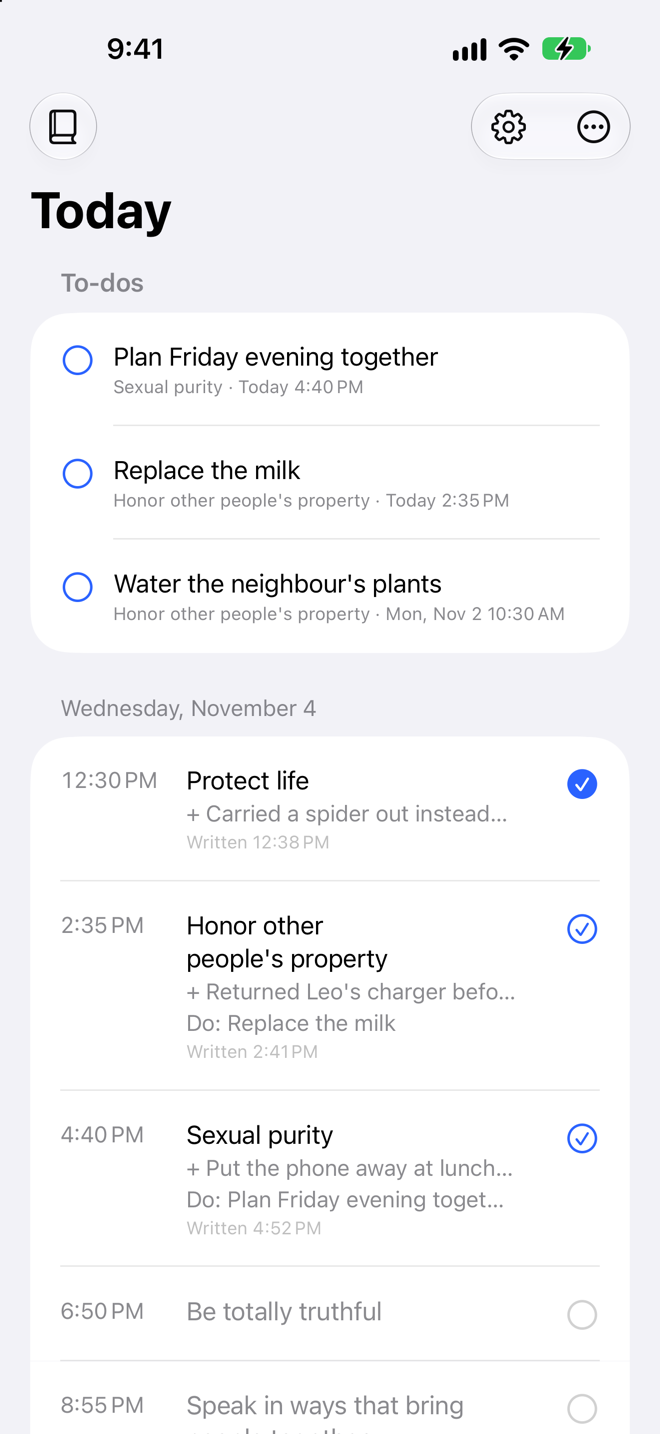
Seis is for the commitments you have made about how you want to live. A few times a day, at times you choose, it brings one of them up.
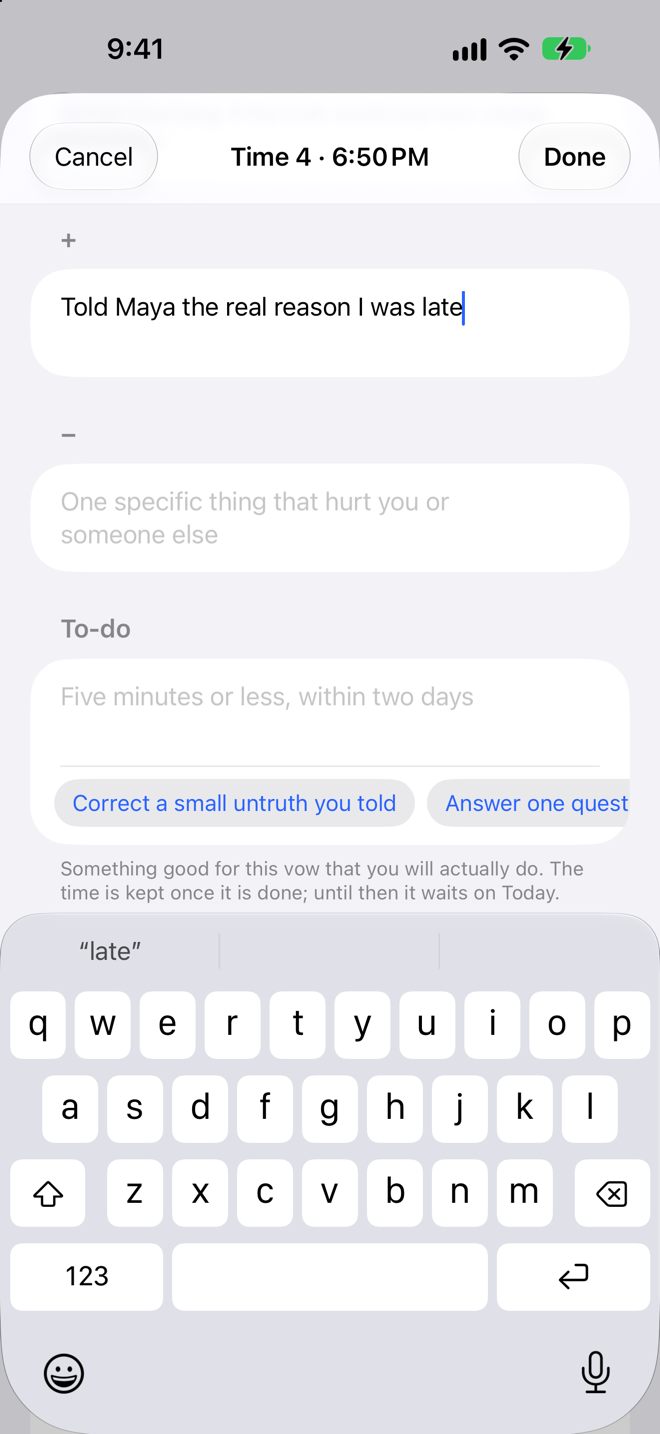
Choose the commitments you want to keep and the times of day you want to stop for them. Six a day is the rhythm the practice was built on; fewer is a fine place to start. At each time, one commitment comes up and you write three short lines.
One specific moment today when you lived up to the commitment, and one when you fell short. Small and true beats grand and vague.
Something you will actually do about it: five minutes or less, within the next two days. Ideas come with every commitment, so you never start from a blank line.
The three best and three worst things of the whole day, a note on meditation, and anything you want to carry into tomorrow.
Every time has three states: empty, written, kept. It is kept once the small thing you promised is done. Open to-dos wait at the top of Today for a couple of days. Tap the ring when one is done. Swipe to let one go. Nothing piles up.
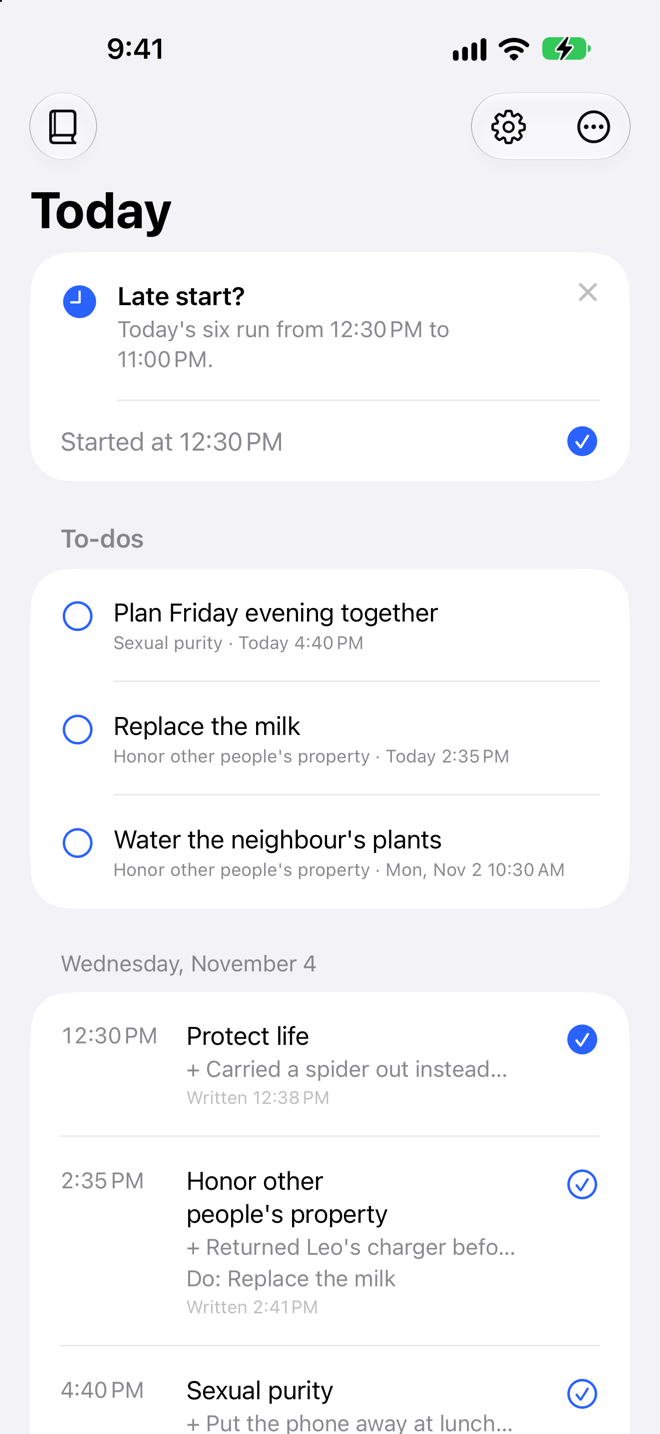
Slept through the morning? Today offers to begin your times from now, your usual spacing apart, with the last one before bed. One tap, and the day is yours again.
A Shortcuts action, “Start Today’s Book Now”, can do it the moment your alarm is dismissed.
Seis comes with ten classic commitments, such as protecting life and being totally truthful, and more you can switch on. Write your own, too. They come up one per time, in order, then around again, so each gets its turn every few days.
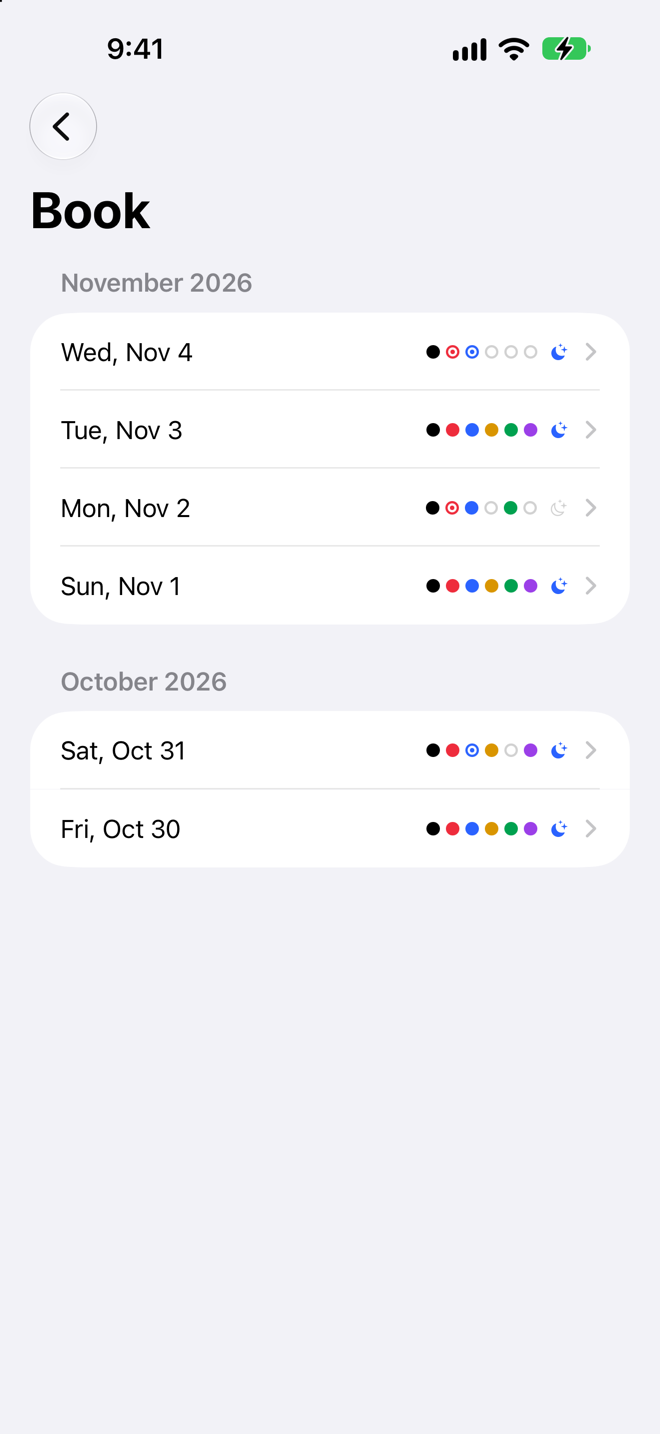
The Book shows every day as a row of dots , one per time, filled as they are kept.
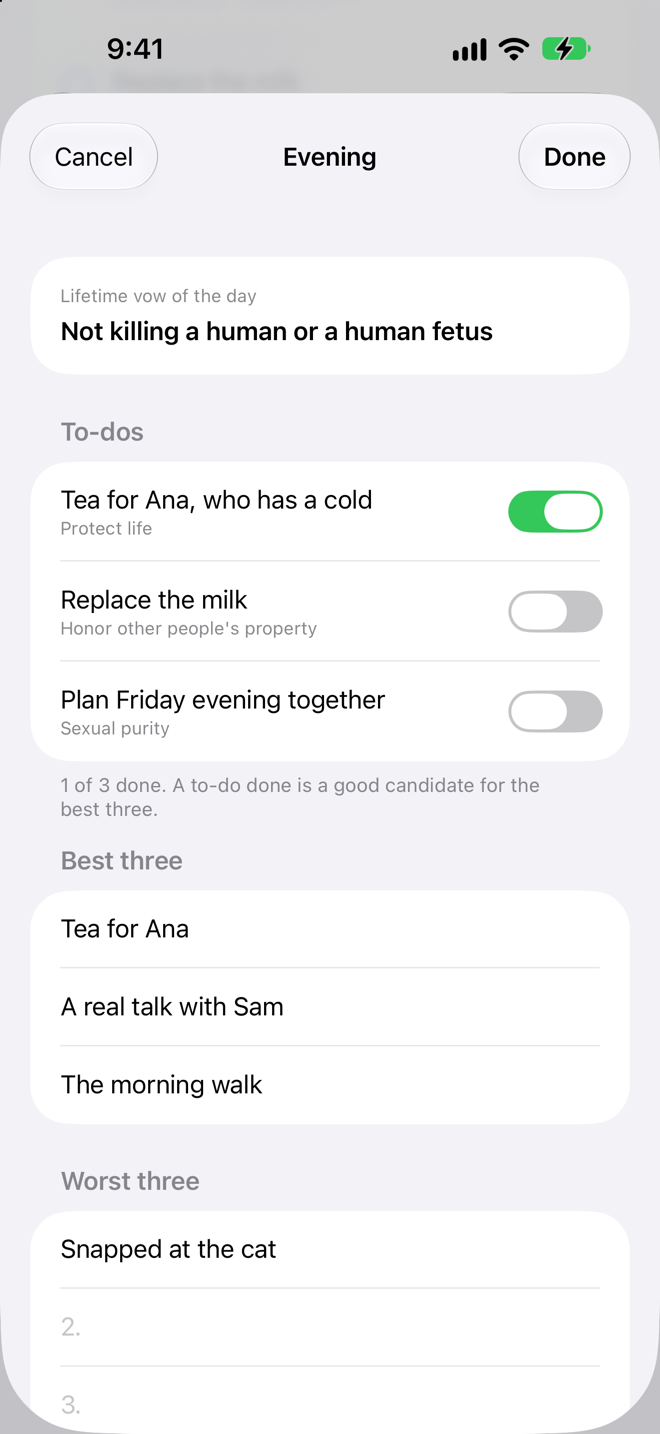
The one commitment you hold for life sits at the top. Then the day’s to-dos, each with its switch, the three best and three worst things that happened, a note on meditation, and the reminders you want waiting for you tomorrow.
What you write here is nobody else’s business. Seis is built so that it cannot be.
Everything is kept in the app’s own folder on your phone. There is nothing to sign in to, no analytics, no third-party code.
One switch in Settings. The app locks when it goes to the background, and the app switcher shows only the mark, never what you wrote.
One per time, scheduled on your phone. A reminder names the commitment and how many to-dos are open; it never shows what you wrote. Export a copy of the whole book whenever you like.
English now, Spanish next. Made by someone who keeps it, for anyone who wants to.
Get it on the App Store